
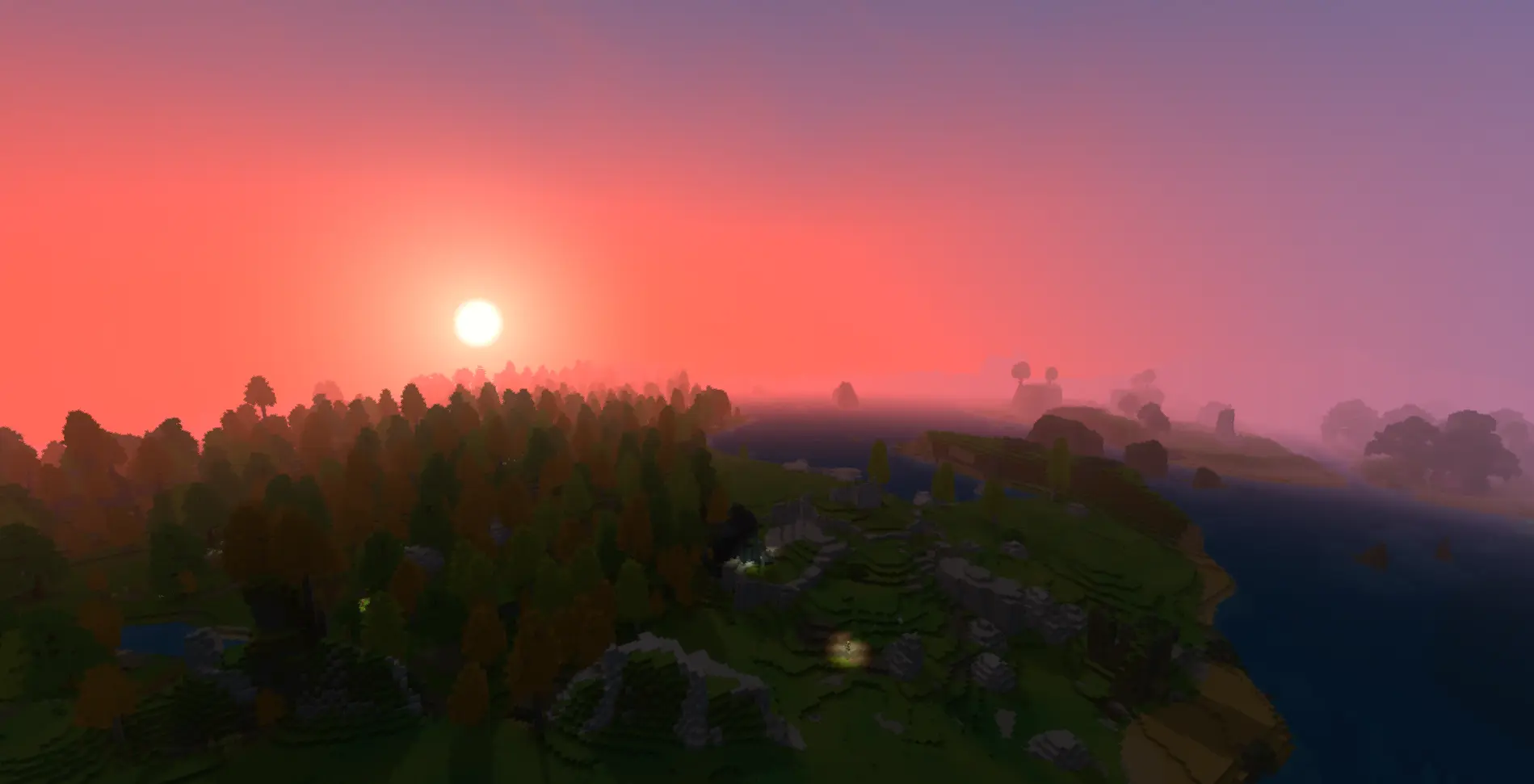
Hytale Servers are now available! Use coupon code PERFPLUSME for 20% off your first invoice of any Performance Plus service!
Dedicated Hytale Server Hosting

The host your server deserves

The most advanced game panel on the market paired with dedicated Ryzen 9 CPUs delivers the ultimate hosting experience. Say goodbye to outdated hardware and archaic control panels and say hello to Bloom.

Create Multiple Servers With One Plan

Our unique Server Splitter tool allows you to create multiple servers with just a single plan. No longer are you limited to one type of server (or even one type of game). With Bloom, you have the freedom to create an entire network of servers at no additional cost. Click to see all of DuckPanel's other features.

Host Discord Bots, Web Servers & More

Our Server Splitter tool is not just for Hytale! With Bloom, you can create multiple Hytale servers, Discord bots, web servers, and even other games! Note that customer support for certain game servers is limited.

The Most Advanced Backup System

We created the most advanced user-managed backup system from scratch. Our backups utilize Borg to create efficient incremental backups, allowing you to seamlessly mount your backups to your file manager and easily browse and restore files, right from your control panel.

DDoS protection, Plugin support & More

Bloom's mission is to provide the most feature-rich user experience without nickel and diming you. In addition to everything else, we offer free subdomains, a built-in reverse proxy system, off-site incremental backups, and more - all at no additional cost.

Order your new Hytale server

1. PICK YOUR HOSTING LEVEL
CPU: Ryzen 9 3900X* US: Ryzen 9 3900X
EU: Ryzen 9 3900
(Shared)
vs
CPU: Ryzen 9 3950X* US: Ryzen 9 3950X
EU: Ryzen 9 3900
(Dedicated)
vs
CPU: Ryzen 9 5950X (Dedicated)
2. PICK YOUR LOCATION

Frequently asked questions

What is Hytale?

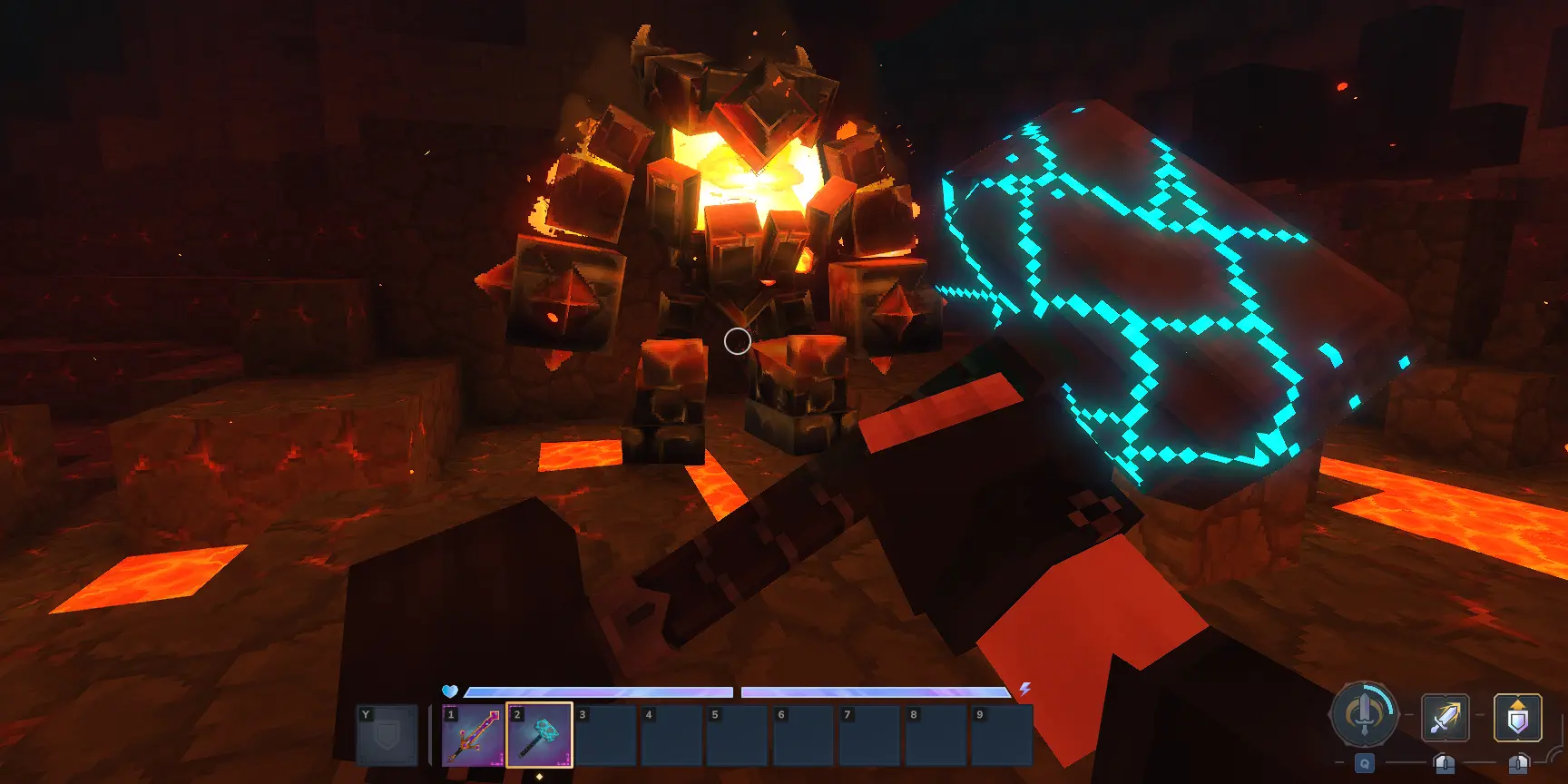
Hytale is a sandbox adventure RPG developed by Hypixel Studios that combines exploration, combat, building, and creativity in a vibrant procedurally generated world called Orbis. With stunning voxel-based graphics and diverse biomes - from lush jungles to icy peaks and ancient ruins - players can embark on adventures, battle unique creatures, and uncover hidden treasures. The game features two core modes: Exploration Mode for survival gameplay with combat, looting, and crafting, and Creative Mode for building and experimentation. Hytale's powerful modding tools and server-side architecture make it ideal for multiplayer experiences. Bloom allows players to create and manage their own game worlds, inviting friends to join for cooperative adventures, creative builds, or custom minigames without any hassle.
How Do I Start a Hytale Server?

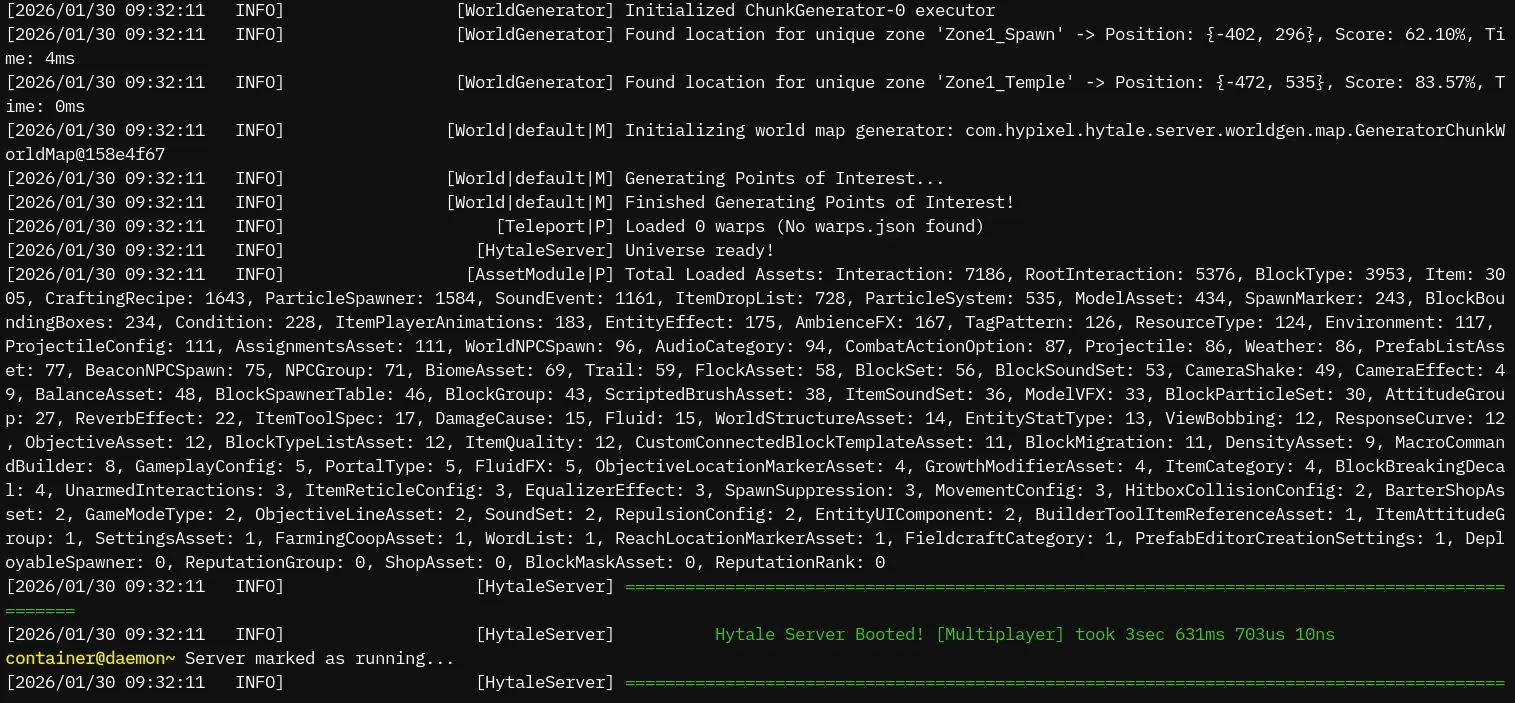
At Bloom.host, we know that running a dedicated Hytale server can be complex and time-consuming. To save you the hassle, we offer affordable and straightforward Hytale server hosting that gets you playing with friends in minutes. Running a Hytale server requires the latest Java versions, proper firewall configuration, and port forwarding for the QUIC protocol over UDP - which can be insecure and difficult to manage on your own network. Our system handles all these complexities for you. With our DuckPanel, server management becomes effortless - easily configure settings, install mods, view server logs, and manage your world. Don't let technical barriers stop you from exploring Orbis with your community; let Bloom.host handle the server while you focus on the adventure!

Can I Use Mods?

Absolutely! Hytale was built from the ground up with modding in mind. One of its most powerful features is that all mods are server-side - players joining your server don't need to download anything. The server automatically streams mod content directly to connected players.

You can download mods from CurseForge, Hytale's official mod distribution platform, and simply drop them into your server's mods folder.

From new creatures and items to custom minigames and gameplay overhauls, the possibilities are endless. Check out our comprehensive documentation on installing Hytale mods to get started!